Shift exchange
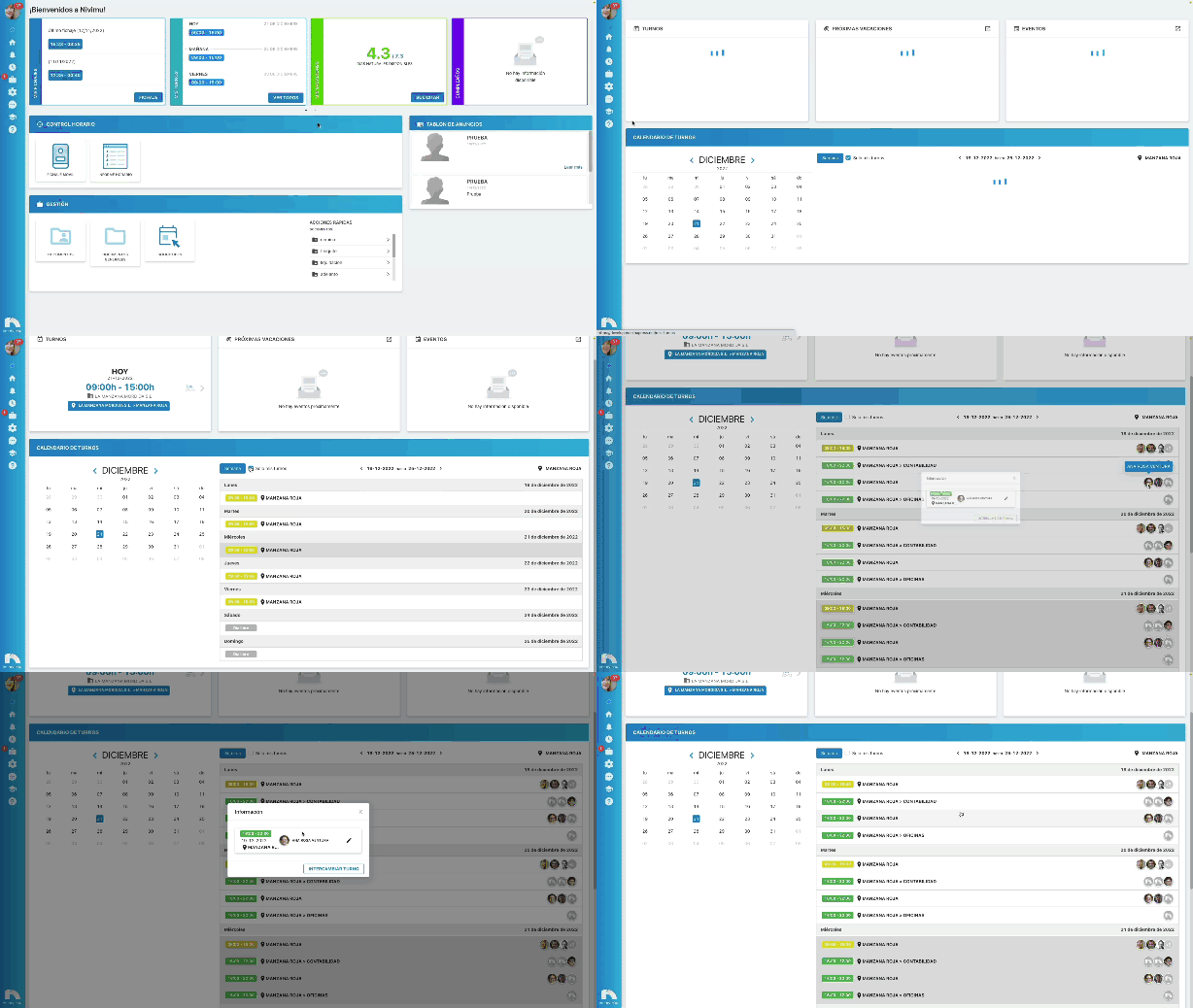
You can exchange a shift with another worker through Shift Exchange.
Create a shift exchange request:
- Open the application menu and in the Clock-Ins section click My Shifts.
- In Shift Calendar, select the day you want to exchange.
- Click on the line of the day you want to exchange the shift.
- Once you have clicked, a screen will appear where you will see the shift exchange information.
- Click Exchange shift and a view will unfold with the available options for the exchange.
- In Requested select the date or period of dates to request the shift exchange.
- In Search user you can search for the user with whom to make the exchange.
- You can group by Full Day those shifts in which split workdays are exchanged.
- You also have the possibility to select directly from the list the day and the person who is available.
- In Observations you can add the reason for the shift exchange.
- Click Confirm to save the changes.