Introduction
Through the Expenses section, you can manage fuel, mileage, accommodation expenses, etc., as well as attach tickets and invoices for different types of expenses.
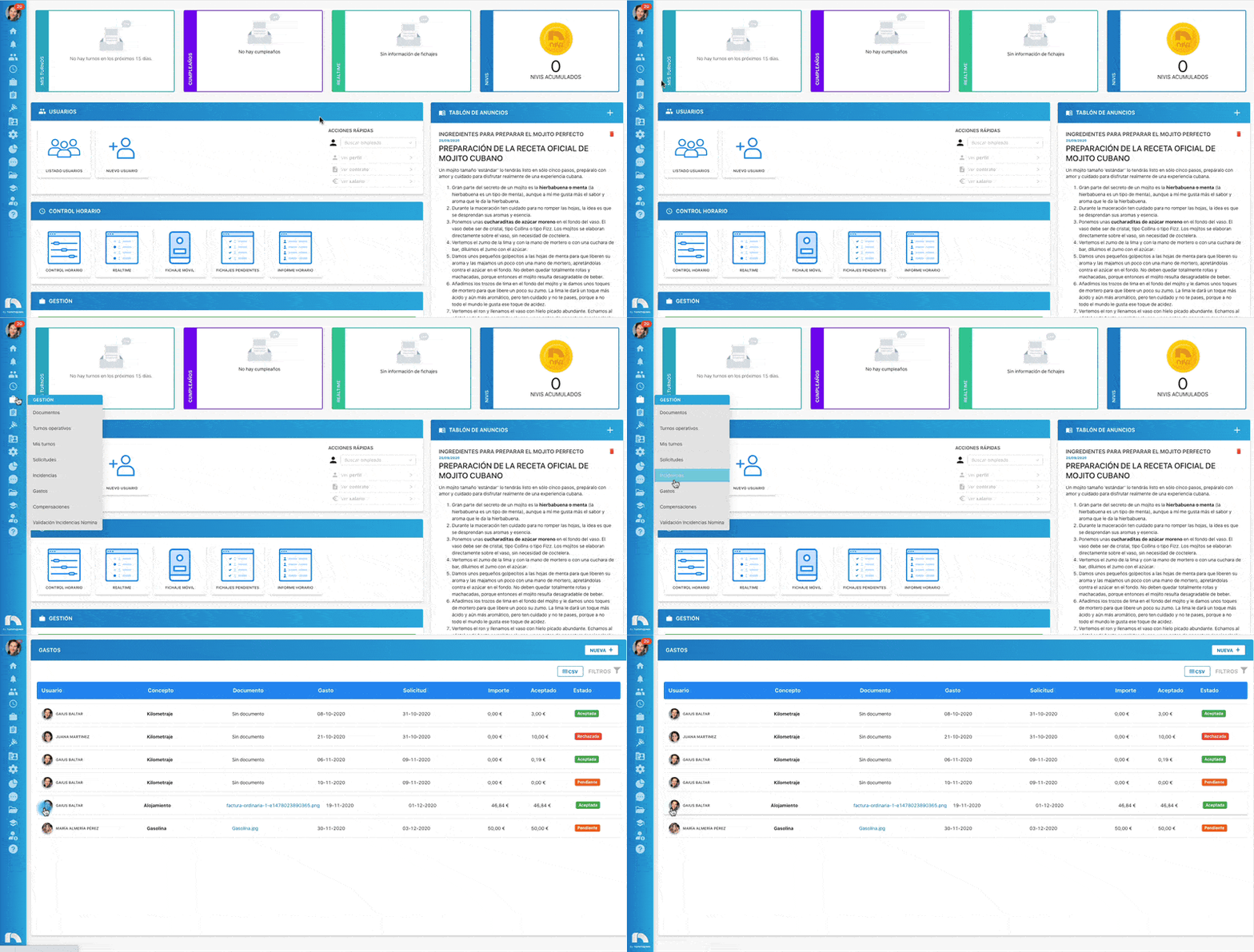
To access the Expenses section:
- Open the app menu.
- Under Management, click Expenses.
When you access expenses, the Expense list appears where you can view all expenses. You can also filter expenses by status, concepts, dates, etc. You can also export a CSV file with all expenses.